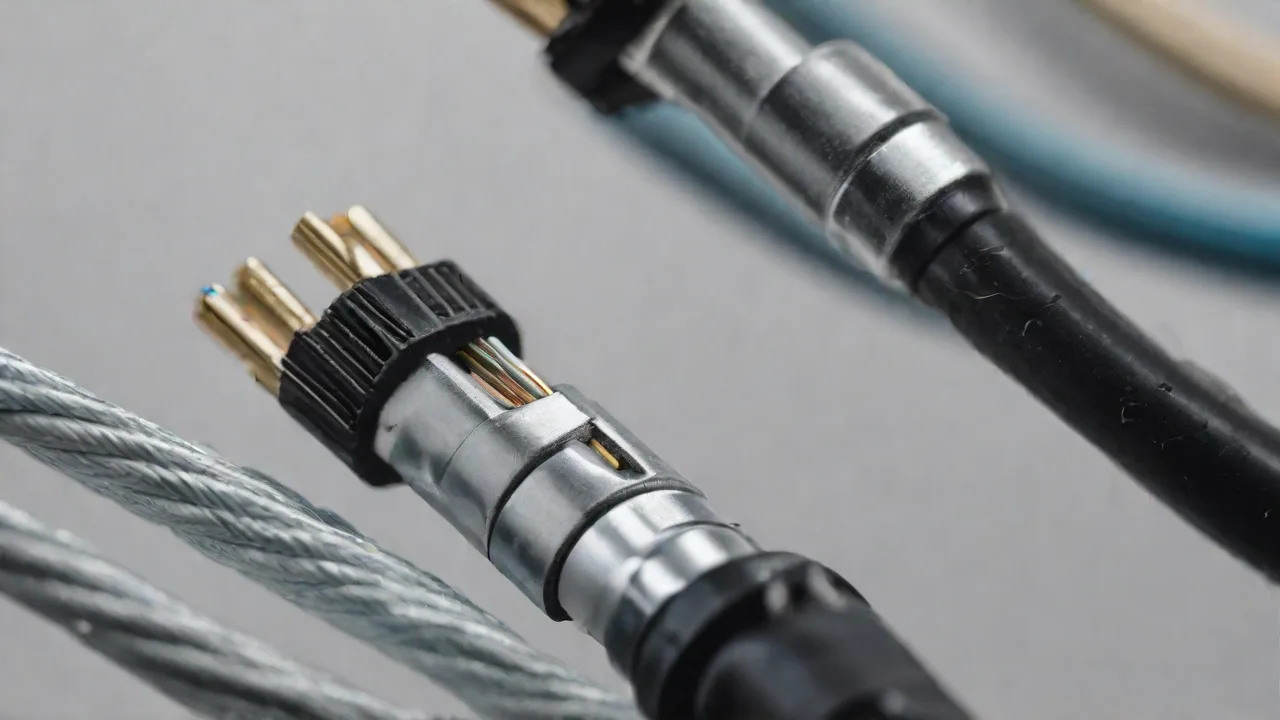
The Best Practices for Cleaning and Maintaining Ts Cables for Longevity
Introduction
TS cables (Tip-Sleeve cables) are a foundational component in countless audio, instrumentation, and signal-transmission setups. Despite their simplicity — just a tip contact for the signal and a sleeve for the ground — these unbalanced cables are used everywhere from guitar pedalboards to patch bays and test equipment. Over time, exposure to dust, moisture, oxidation, and physical wear can degrade their performance, leading to signal loss, noise, or intermittent connections.
Proper cleaning and maintenance are the most effective ways to extend the lifespan of your TS cables, preserve signal integrity, and reduce replacement costs. This guide covers the best practices, from daily care to deep cleaning, storage, and troubleshooting, so your cables continue to deliver reliable performance for years.
What Are TS Cables?
TS cables are a type of unbalanced audio cable that uses a two-conductor connector: the tip carries the audio signal, and the sleeve serves as the ground or shield. They are distinct from TRS (Tip-Ring-Sleeve) cables, which add a third conductor for balanced signals or stereo, and from XLR cables that use three pins for professional balanced audio.
Common applications include:
- Electric guitars and basses connecting to amplifiers or pedals
- Unbalanced line-level audio connections (e.g., synthesizers to mixers)
- Patch bays in recording studios
- Simple signal transmission in industrial control systems
- Speaker connections in some PA systems
Because TS cables are unbalanced, they are more susceptible to electromagnetic interference (EMI) and radio frequency interference (RFI) than balanced cables. Good shielding and clean connections are essential to minimizing noise.
Why Cleaning and Maintenance Matter
Neglected cables can develop several problems that affect sound quality and reliability:
- Oxidation: Copper or nickel connectors tarnish over time, increasing resistance and degrading signal transfer.
- Dust and dirt buildup: Particles can create intermittent contact or act as a tiny capacitor, filtering out high frequencies.
- Corrosion: Moisture causes corrosion that eats away at metal, leading to permanent connection failure.
- Frayed insulation: Cracked jacket material allows contaminants inside and can cause short circuits.
Regular cleaning removes these contaminants, while routine maintenance catches potential failures before they cause downtime. The result is clearer audio, fewer dropouts, and a longer cable life.
Best Practices for Cleaning TS Cables
Safety First: Disconnect and Inspect
Always unplug the cable from any equipment before cleaning. This prevents accidental short circuits and protects both the cable and your gear. Lay the cable out straight and visually inspect the entire length — look for cuts, kinks, exposed wires, or bent connector pins.
Recommended Cleaning Supplies
Use the right tools to avoid damaging the cable:
- Isopropyl alcohol (90% or higher): evaporates quickly and leaves no residue. Lower concentrations may contain water that promotes corrosion.
- Lint-free microfiber cloth or foam swabs: won’t leave fibers behind that can cause issues later.
- Compressed air: helpful for blowing dust out of connector barrels and housing.
- Contact cleaner (e.g., DeoxIT): specially formulated for cleaning and protecting electrical contacts. Use sparingly.
- Soft-bristle brush: a small brush (like an artist’s paintbrush) can dislodge dirt from hard-to-reach spots.
Step-by-Step Cleaning Process
- Clean the connector contacts: Dip a foam swab or cloth in isopropyl alcohol and gently rub the tip and sleeve. Focus on the areas that mate with the jack. Rotate the connector to reach all sides. If using DeoxIT, apply a tiny drop to the tip, then work the connector in and out of a jack to spread the cleaner.
- Clean the cable jacket: Dampen a cloth with alcohol (or mild soap and water, but only if alcohol isn’t available) and wipe the entire length of the cable. This removes sticky residue, grime, and skin oils. Avoid getting liquid on the connectors’ interior.
- Blow out debris: Use compressed air to remove any loose particles from the connector housing and strain relief boot.
- Dry thoroughly: Let the cable air dry for at least 10 minutes. Alcohol evaporates quickly, but allow extra time if you used water-based cleaners. Do not reconnect until completely dry.
What to Avoid
- Abrasive cleaners (scouring pads, steel wool): These scratch metal surfaces, creating rough spots that accelerate corrosion.
- WD-40 or similar lubricants: These leave a residue that attracts dust and can interfere with conductivity.
- Excessive moisture: Too much liquid can seep inside the connector and damage internal solder joints or insulation.
- Sharp tools: Never use a knife or screwdriver to scrape connectors — it will cause permanent damage.
Maintenance for Longevity
Regular Inspection
Make inspecting your cables a routine — every few months for home use, more often for touring or studio environments. Look for:
- Visual signs: Cracks in the jacket, bent or broken connector shells, loosened strain relief.
- Flex test: Gently bend the cable near the connectors. If the cable feels stiff or you hear crackling when moving it, internal wires may be broken.
- Continuity check: Use a multimeter to test for continuity between tip and sleeve, and to confirm no short exists. This catches hidden fractures.
Proper Storage
How you store cables directly affects their lifespan:
- Coil loosely: Use the over-under coiling technique to avoid kinks. Never bend cables at sharp angles.
- Keep in a dry environment: Humidity accelerates corrosion. Store cables in a case or drawer with silica gel packets if needed.
- Avoid temperature extremes: Excessive heat can soften insulation, while cold makes jackets brittle.
- Use cable ties or Velcro straps: Secure the coil to prevent tangles, but don’t cinch too tight — that can crush the cable.
Cable Management
During use, avoid twisting or pulling cables taut. Allow some slack behind equipment to relieve strain on connectors. Use cable ramps or mats on floors to prevent tripping and crushing. For pedalboards, invest in short, angled patch cables to reduce mechanical stress.
Connector Protection
When cables are not in use, place dust caps over the connectors or wrap them in a cloth. Many professional users apply a tiny amount of contact cleaner (like DeoxIT) to the connector after cleaning — it leaves a protective film that resists oxidation.
Replacing vs. Repairing
Minor issues like a loose strain relief can be fixed with heat shrink tubing or a new connector (if you have soldering skills). However, if the cable jacket is cracked along its length or internal conductors are broken, replacement is safer and more reliable. Keep spare cables handy for critical applications.
Troubleshooting Common Issues
- No sound or intermittent signal: First, clean the connectors. If the problem persists, check continuity with a multimeter. A broken wire near the connector can often be fixed by cutting off the damaged end and re-soldering a new plug.
- Hum or buzzing noise: This is often caused by poor shielding or ground loop issues. Try a cable with better shield coverage (braid or foil). Ensure connections are tight.
- High-frequency roll-off: Dirty or oxidized contacts act as capacitors, dulling the sound. Deep cleaning often resolves this.
- Crackling when moving the cable: Indicates a broken internal conductor or a bad solder joint at the connector. Replace the connector or the entire cable.
Choosing Quality TS Cables
Prevention starts with buying better cables. Look for:
- Thick, flexible jacket: Materials like PVC or polyurethane resist cracking over time.
- High-quality shield: Combination of braid and foil offers best protection against EMI.
- Heavy-duty connectors: Neutrik or Switchcraft brands are industry standards with reliable strain relief.
- Oxygen-free copper (OFC) conductors: Reduces signal loss, especially over longer runs.
For more on connector standards, see Wikipedia's article on TRS connectors. For in-depth testing of cleaning products, Sound On Sound’s cable maintenance guide offers expert advice.
Additional Tips
- Label your cables: Use colored rings or heat shrink labels to identify length, purpose, or which equipment they belong to. This reduces unnecessary handling.
- Manage cable length: Use the shortest cable that reaches comfortably — extra length increases capacitance and potential interference.
- Follow manufacturer guidelines: Some premium cables have specific cleaning recommendations. Check the warranty terms — improper cleaning might void coverage.
- Consider balanced alternatives: For long runs or noisy environments, switch to TRS or XLR cables. Sweetwater explains the differences here.
Conclusion
TS cables may be simple, but their performance hinges on clean contacts, intact insulation, and proper handling. By implementing a regular cleaning routine — using isopropyl alcohol and lint-free cloths — you can remove the oxidation and debris that degrade signal quality. Combine that with careful storage (loose coils, dry environments), routine inspections, and prompt replacement of damaged cables, and you’ll dramatically extend the life of your cables.
Remember: a few minutes of maintenance today can save hours of troubleshooting later. Invest in quality cables from reputable brands like Neutrik, and treat them with care. Your ears (and your equipment) will thank you.